

Display Technology · Buyer’s Guide
An LED poster display can look like a simple vertical screen. It is not quite that simple. Pixel pitch changes how the image looks up close. The cabinet and flight case decide how practical it is to move. Content control affects the work after installation. And the choice between LED and LCD can change the project cost by a wide margin.
The short answer: choose an LED poster display when you need strong visual impact, a tall freestanding format, and the option to join several units into a larger image. Choose LCD when fine text, touch interaction, familiar 1080p or 4K resolution, and a lower entry cost matter more.
What is an LED poster display?
An LED poster display is a tall, self-contained direct-view LED screen. Small LED modules form the image. There is no LCD panel or backlight behind them. Most products use a portrait shape and a floor-standing cabinet, so the screen can replace a printed poster, banner stand, or conventional digital signage totem.
The format works well for moving video, brand graphics, product launches, schedules, welcome messages, and short promotional loops. Depending on the model, content may come from USB, HDMI, a local network, Wi-Fi, 4G, an app, or a cloud publishing platform.
One feature makes the category especially useful: some units can connect side by side. A single screen can work as a digital poster. Two or three can become a wider presentation surface without the thick bezels found between standard LCD panels.
Start with the job, not the specification sheet
It is easy to start with brightness, resolution, or the lowest pixel-pitch number. Start with the space instead. Where will people stand? What will the screen show? How often will the display move? Does the team need one tall image or a wider canvas?
| Project question | Why it matters | What to record |
|---|---|---|
| How close will viewers get? | Close viewing makes pixel structure and small text easier to notice. | Nearest and typical viewing distance. |
| Will the screen travel? | A flight case, wheels, lifting plan, and setup time become part of the product decision. | Door sizes, loading route, vehicle space, crew size. |
| What content will play? | Video tolerates different resolutions better than fine text or detailed diagrams. | Video, offers, schedules, menus, live input, or touch content. |
| One screen or several? | Splicing changes the content canvas, floor space, power, alignment, and handling plan. | Portrait, landscape, or wide video-wall layout. |
LED display pixel pitch, in plain language
Pixel pitch is the center-to-center distance between neighboring LED pixels, measured in millimeters. P1.86 means the pixels sit about 1.86 mm apart. P1.53 places them closer together.
A smaller number usually produces a smoother image at a shorter viewing distance because more pixels fit into the same physical area. It also tends to increase cost. That does not mean the smallest available pitch is automatically the right choice. If viewers stand several meters away and the screen mainly plays bold video, a finer option may add cost without adding much visible value.
For exhibitions where people can walk close to the screen, event supplier 4Wall recommends considering fine-pitch LED in the 1.5–2.8 mm range. Treat that as a useful starting range, not a promise. Screen size, source resolution, contrast, text size, ambient light, and the viewer’s eyesight still affect the result. If the content includes small type or detailed product diagrams, test it on the actual display before ordering a large batch. See 4Wall’s trade show pixel-pitch guidance.
Pixel pitch is not the same as resolution
Pixel pitch tells you how tightly the physical pixels sit. Resolution tells you how many pixels make up the complete image. A tall LED poster may have a lower numerical resolution than a 4K LCD screen and still look effective at the intended distance. The right question is not “Which number is larger?” It is “Does this content look clean from where people will actually see it?”
LED poster display vs. LCD digital signage
LED and LCD can share the same floor-standing shape, but they solve different problems. LCD remains a sensible choice for many indoor projects. Direct-view LED earns its place when visual impact, modular width, and a seamless surface carry more weight.
| Factor | LED poster display | LCD digital signage |
|---|---|---|
| Image surface | Direct-view LED modules; several units may form one wider image. | A complete LCD panel with LED backlighting and a fixed bezel. |
| Close text | Depends heavily on pixel pitch and content design. | Usually strong for fine text and detailed interface content at close range. |
| Scaling | Some models splice side by side with little visible interruption. | Screen size is fixed; multi-screen layouts retain visible panel borders. |
| Interaction | Usually designed for viewing rather than touch. | Touchscreen options are common. |
| Budget | Higher entry cost, especially with fine pixel pitch. | Often more economical for a single standard indoor screen. |
| Best fit | Trade shows, entrances, launches, stages, flagship displays. | Menus, directories, presentations, self-service, detailed information. |
For a broader explanation of screen technologies, read the MWEdisplay digital signage display guide.
Portable does not always mean lightweight
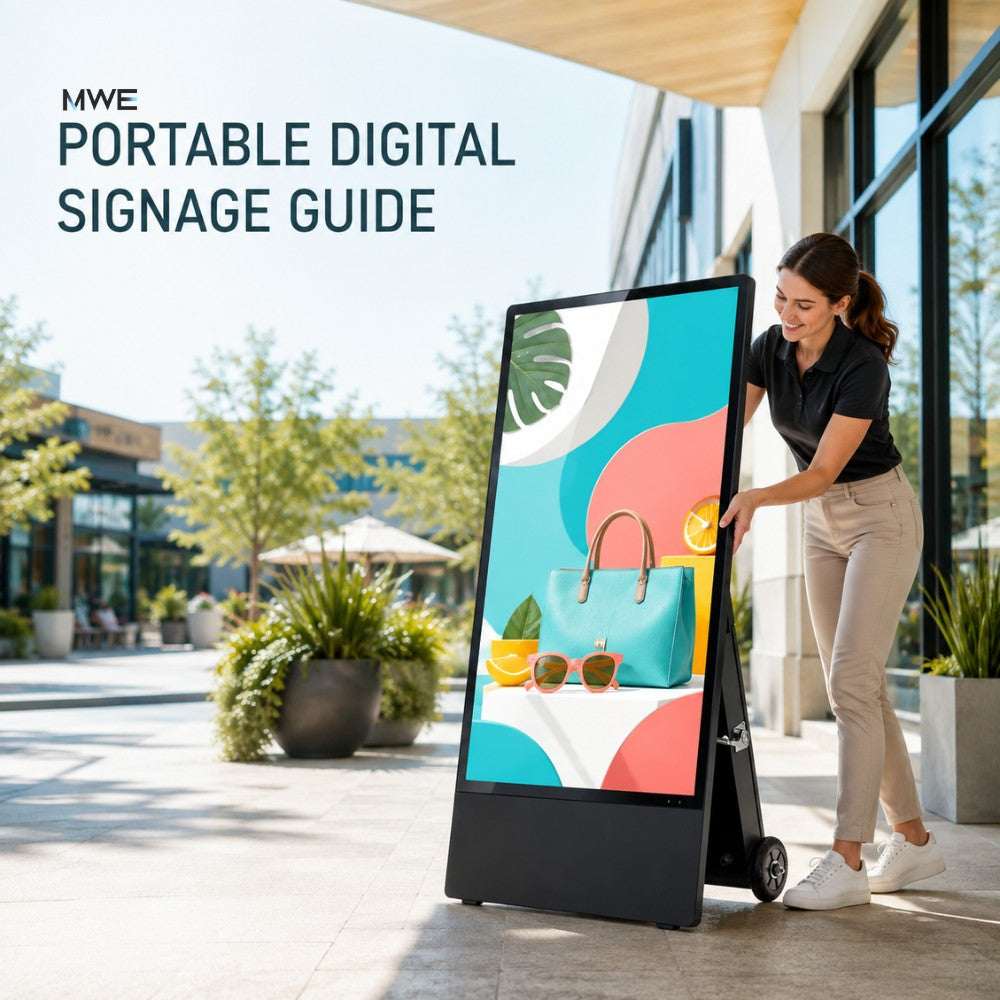
This is where product pages often become vague. A portable LED poster display may be designed to travel in a wheeled flight case and set up at different venues. That does not mean one person should carry it.
The MWE 80-inch P1.86 Spliceable LED Digital Signage Display weighs about 94.8 lb before packaging. Its package weight is about 165.35 lb, and the transport package is a flight case with wheels. The MWE Indoor Tri-Fold LED Poster Screen weighs about 170 lb. Both products are movable. Neither should be treated like a light banner stand.
For a trade show, plan the whole route:
- Confirm the packed case fits the vehicle, loading dock, elevator, and booth entrance.
- Use enough people and suitable lifting equipment for unloading and positioning.
- Protect the LED face during transport and setup.
- Lock casters and keep the base outside busy walking paths.
- Check venue rules for power cables, floor loading, and overnight storage.
A practical installation guide from Hikvision also calls for at least two people when lifting an LED poster cabinet onto a mobile base and warns against moving connected displays after splicing. The exact instructions for your model remain the final reference. See the LED poster display installation guide.
Single poster or spliceable LED display?
A single poster screen is easy to place beside an entrance, product, reception desk, or booth aisle. It uses little floor width and works naturally with vertical content. Several screens create more impact, but only when the content and installation plan support the wider format.
Use one unit when:
- the message is short and designed for portrait viewing;
- floor space is limited;
- the screen moves between several locations;
- the team needs the fastest repeatable setup.
Consider several units when:
- the booth or venue needs a wider visual anchor;
- the source content is prepared for the combined canvas;
- power, signal, alignment, and floor space have been checked;
- trained staff can assemble and separate the units safely.
Do not assume that connected units can be rolled around as one object. Side locks and alignment points keep the image together; they are not a substitute for a handling plan. Assemble the final layout where it will operate, then follow the product manual before moving anything.
Content control matters after the screen arrives
A strong display with an awkward publishing process soon becomes a screen that repeats the same old loop. Before buying, ask who will update the content and where that person will be.
USB playback is simple for one screen and occasional changes. HDMI works well for live presentations or a local media player. Network and cloud tools make more sense when content changes often or several displays need coordinated schedules.
The MWE 80-inch P1.86 display runs Android 11 and supports USB, Ethernet, 4G remote communication, HDMI, Wi-Fi, the LEDArt mobile app, and a computer-based cloud platform. The tri-fold model supports Wi-Fi control, USB playback, HDMI, Ethernet, LEDArt, and cloud management. Check the current software workflow, network conditions, file formats, and account requirements before deployment.
Content tip: design for the real viewing time. A person walking past a booth may give the screen only three to five seconds. Use one message, a clear visual, and large type. A detailed product sheet belongs in a QR-linked page or a conversation, not in twelve lines of small on-screen text.
Using LED poster displays at trade shows
Digital signage for trade shows has to do more than look bright. It must survive transport, fit the booth, start reliably, and communicate quickly in a noisy visual environment.
Place the screen where it supports the booth rather than blocking it. Near the aisle, a vertical LED poster can introduce the brand and one main offer. Deeper inside the booth, it can play product demonstrations or customer use cases. Two or more connected screens can become a wide focal point, but a bigger image should not consume the space needed for staff and visitors.
Before the event, test the complete loop offline. Keep the final content on a USB drive as a backup, even if cloud publishing is the normal method. Carry the correct power and signal cables, label them, and store a copy of the setup instructions with the flight case.
MWEdisplay groups suitable products in its Events & Trade Show Displays collection, which can help compare LED posters with portable LCD and touchscreen options.
Where the two MWEdisplay LED poster options fit
| Product | Useful details | Good fit |
|---|---|---|
| MWE 80-inch P1.86 Spliceable LED Display | P1.86; 344 × 1032; GOB protection; 94.8 lb; wheeled flight case; Android 11; USB, Ethernet, 4G, HDMI and Wi-Fi options; one- or two-unit packages. | A single vertical poster or a repeatable two-screen event setup. |
| MWE 90-inch Indoor Tri-Fold LED Poster Screen | P1.86 or P1.53; dual-sided tri-fold format; 832 × 1248; GOB surface; about 170 lb; Wi-Fi, USB, HDMI, Ethernet and cloud publishing; supports up to three-unit splicing. | Higher-impact event layouts that need more display directions or a larger combined canvas. |
The best choice depends on the actual content, crew, route, and setup frequency. A product that offers more screen area may also need more handling time and floor space. That trade-off should be visible before purchase, not discovered at the venue.
When an LCD display is the better answer
Not every project needs direct-view LED. If visitors will read small text at arm’s length, use touch interaction, mirror a laptop, or work within a tighter budget, LCD may be the cleaner choice.
The MWE Floor Standing Digital Signage offers 32- to 65-inch LCD formats for standard indoor content. The MWE Mobile Digital Signage Kiosk adds a 43-inch touchscreen, wheels, a flight case, screen mirroring, app publishing, USB, and HDMI. Those products do not create a seamless LED wall, but they may fit detailed presentations and interactive use better.
LED poster display buying checklist
- Viewing distance: record the closest and typical distance, then test real content.
- Pixel pitch: choose for the viewing distance and content, not for the lowest number alone.
- Complete resolution: confirm the native canvas for one unit and for every planned spliced layout.
- Transport: check product and packed weights, flight-case size, casters, doors, elevators, and crew.
- Protection: understand what the surface treatment covers and what it does not.
- Installation: review the base, locks, stability, cable route, and venue safety requirements.
- Content inputs: confirm USB, HDMI, network, app, cloud, or live-source needs.
- Splicing: confirm the number of supported units and prepare content for the combined aspect ratio.
- Service: ask how modules, power supplies, and control components are accessed and replaced.
- Environment: do not use an indoor-rated unit outdoors because it has a protected LED surface.
Final thought
A good LED poster display is not simply the one with the finest pixel pitch or the boldest product photo. It is the one that looks right at the real viewing distance, travels through the real loading route, starts without drama, and lets the team update content without calling a technician every time.
That is the practical test. Match the display to the job first. Then compare the specifications.
Planning an event or commercial display project?
Share the viewing distance, venue, content type, preferred screen layout, transport route, and expected setup frequency. Those details help MWEdisplay recommend a practical LED or LCD configuration.
Contact MWEdisplayFrequently asked questions
What is an LED poster display?
It is a tall, self-contained direct-view LED screen used for video, graphics, messages, and advertising. Many models stand on the floor, support remote or local content publishing, and can connect with other units to form a wider display.
Is an LED poster display the same as LCD digital signage?
No. Direct-view LED uses LED diodes as the visible pixels. LCD signage uses a liquid-crystal panel with a backlight. LED offers modular, potentially seamless scaling. LCD usually offers higher pixel density for fine text at a lower entry cost.
What pixel pitch works for a trade show?
Fine-pitch options around 1.5–2.8 mm are often considered for exhibitions because visitors can stand close to the screen. The right choice still depends on the nearest viewing distance, content, screen size, lighting, and budget. Test the real files whenever possible.
Can LED poster displays connect together?
Some models can splice side by side and synchronize content. Check the supported number of units, locking method, combined resolution, signal setup, and handling instructions. Do not assume a connected group can be moved safely as one assembly.
How is content updated?
Methods vary by model and can include USB, HDMI, Ethernet, Wi-Fi, 4G, mobile apps, and cloud publishing platforms. Choose a workflow that matches who manages the screen and how often content changes.
Can an indoor LED poster display be used outdoors?
Not unless the complete product is rated for the outdoor conditions. GOB or another surface treatment can improve protection against impact, scratches, or minor splashes, but it does not by itself make the cabinet, electronics, connectors, and cooling system outdoor-rated.

Hinterlasse einen Kommentar
Diese Website ist durch hCaptcha geschützt und es gelten die allgemeinen Geschäftsbedingungen und Datenschutzbestimmungen von hCaptcha.