
MWEdisplay Academy · Budget Guide
Digital signage cost is rarely one clean number. The screen matters, of course. So do the player, mounting, software, installation, content, network, and the time someone spends keeping the system current.
That is why two projects with the same screen size can end up with very different budgets. One may be a tabletop display beside an existing outlet. Another may need a bright window-facing panel, new power, remote monitoring, custom content, and ten locations.
This guide breaks the cost into useful parts. It also compares consumer TVs with commercial displays, local playback with cloud CMS software, and tabletop, wall-mounted, and floor-standing formats. The aim is not to produce a magic price. It is to help you build a budget that survives contact with the real site.
Short answer: a basic single-screen indoor project can start in the hundreds of dollars. Current MWEdisplay hardware starts at $199 for a compact tabletop touchscreen, $499 for a wall-mounted touchscreen, and $799 for a floor-standing display. Those are hardware starting prices, not complete installed-project quotes. Software, mounting, electrical work, content, tax, configuration, and support may add to the total.
What goes into digital signage cost?
Most projects have seven cost areas. Some are paid once. Others return every month or every year. Keeping those groups separate makes the estimate much easier to trust.
| Cost area | What it includes | Usually | Main cost driver |
|---|---|---|---|
| Display | Tabletop, wall-mounted, floor-standing, window-facing, outdoor, or LED screen | One-time | Size, brightness, touch, resolution, duty cycle, enclosure |
| Media player | Built-in Android or SoC, streaming device, or commercial external player | One-time | Content complexity, compatibility, remote control, reliability |
| CMS software | Publishing, scheduling, monitoring, permissions, templates, reports | Recurring | Number of screens and required features |
| Mount or stand | Wall mount, floor base, countertop placement, security, enclosure | One-time | Structure, movement, public access, weather exposure |
| Installation | Labor, electrical work, network cabling, lifting, testing, permits | One-time | Site access and building conditions |
| Content | Templates, images, video, menus, dashboards, touch interface | One-time and recurring | Update frequency and design complexity |
| Operations | Power, staff time, support, replacement stock, repairs | Recurring | Operating hours, fleet size, distance between sites |
The display is often the largest visible purchase, but it is not always the largest long-term cost. A low monthly CMS fee can become meaningful when it is multiplied by many screens and several years. Staff time can do the same thing, even when it never appears as a line on the vendor invoice.
Simple year-one formula:
Displays + players + mounts or enclosures + installation + initial content and setup + (monthly software × screen count × 12)
For a three-year view, add two more years of software, content maintenance, support, expected replacements, and power. Do not mix the year-one purchase price with the ongoing annual cost. They answer different questions.
What current digital signage pricing looks like
Search results often show a very wide range, and there is a reason for that. A 10-inch counter display is not the same project as a 65-inch outdoor screen or a multi-panel LED wall.
Recent 2026 planning guides place a basic indoor single-screen setup in the hundreds to low thousands of dollars, while commercial, outdoor, interactive, and multi-screen projects can go much higher. North State Signs lists roughly $500–$1,500 for a basic single indoor screen and $1,000–$5,000 for a commercial single-screen system. Kitcast publishes separate ranges for players, displays, CMS software, content, and installation.
Use these as planning bands, not quotations. A local electrician, installer, integrator, landlord, or code requirement can change the result quickly. The only reliable installation price comes after the site and scope are known.
Digital signage software cost: local playback vs cloud CMS
Not every screen needs a subscription. A single display with stable content may run from USB, internal storage, or a compatible Android app. That keeps recurring cost low, but someone must still visit the screen, replace files, test playback, and fix problems.
A cloud CMS adds remote publishing, schedules, user roles, device status, and centralized control. Public prices vary by provider and plan. At the time of writing, Yodeck lists one free screen and paid plans from $8 to $16 per screen per month. OptiSigns lists common annual plans from $9 to $30 per screen per month. ScreenCloud lists Core at $20 and Pro at $30 per screen per month when billed annually.
Those examples do not mean one service is automatically better or compatible with every display. Features, hardware support, security, interactive tools, storage, support, and contract terms differ. Test the exact software and hardware combination before a rollout.
| Content method | Direct cost | Best fit | Cost people miss |
|---|---|---|---|
| USB or local storage | Often no monthly fee | One or two screens with stable content | Staff visits and inconsistent updates |
| Built-in Android app | Depends on the app | Simple web, media, or interactive use | Compatibility testing and restart recovery |
| Cloud CMS | Commonly charged per screen per month | Frequent updates or several locations | Licenses, onboarding, training, and premium features |
A practical rule: stay local while visiting every screen is easy. Consider a CMS when manual updates become slower, less consistent, or more expensive than remote management.
MWEdisplay hardware starting points
The prices below are current public starting prices checked on September 15, 2026. They help frame the hardware portion of a budget. Configuration, size, touch capability, accessories, software terms, shipping destination, tax, and installation can change the final amount.
| MWEdisplay format | Current starting price | Good fit | Budget note |
|---|---|---|---|
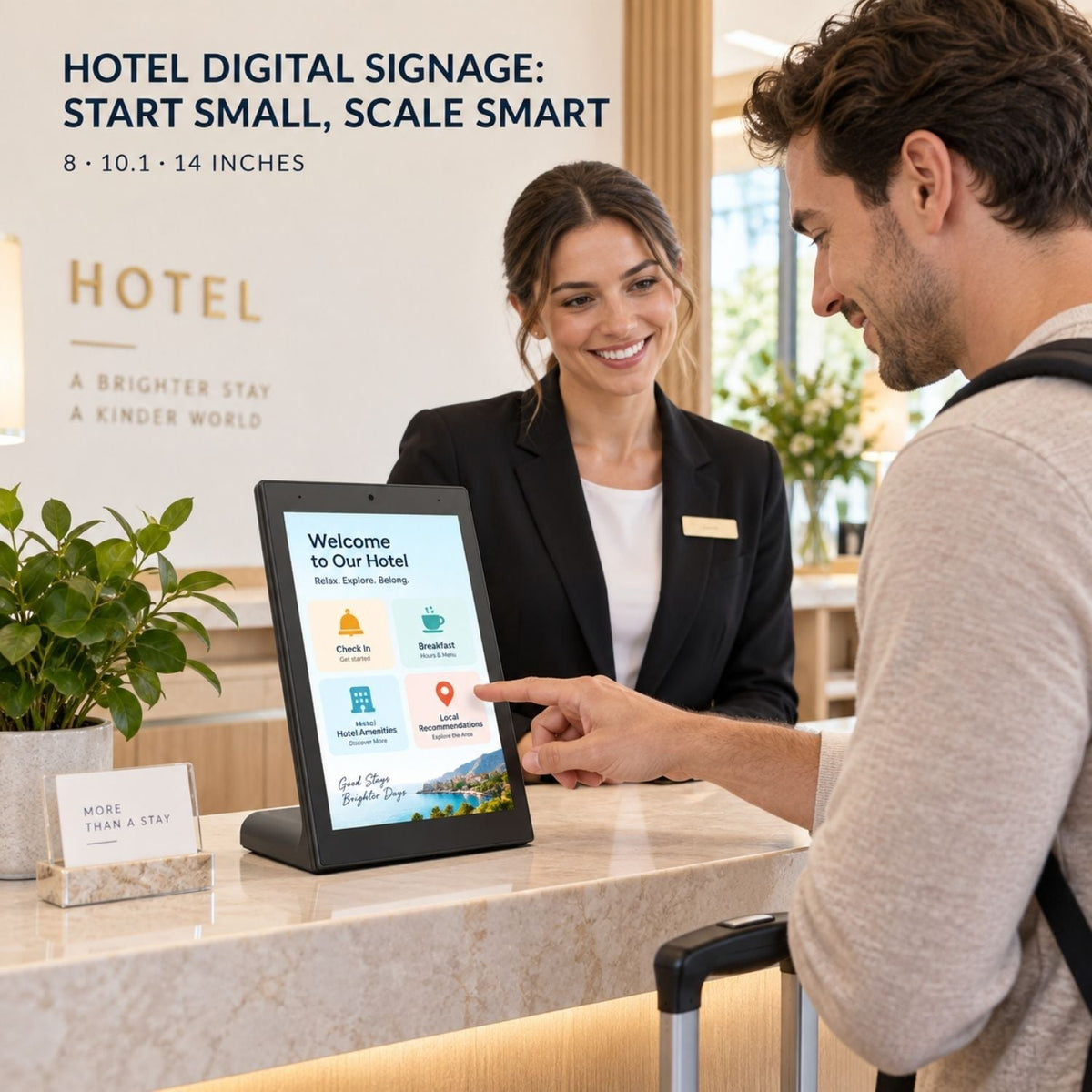
| Table Touch Screen Digital Display | From $199 | Counters, reception, check-in, close-range browsing | 8, 10.1, and 14-inch all-in-one options can reduce mounting needs |
| Wall-Mount Touchscreen Digital Signage | From $499 | Directories, room schedules, product lookup, service points | Add the correct mount, structure check, cable path, and labor |
| Floor Standing Digital Signage | From $799 | Retail entrances, restaurants, hotels, lobbies, events | May avoid wall work, but still needs safe placement and power |
| Mobile Digital Signage Kiosk | From $999 | Trade shows, temporary placements, changing event zones | Include transport, flight case, storage, and handling in the plan |
| Shop Window Advertising Display | From $1,999 | Bright storefront windows | Higher brightness and window conditions change hardware needs |
| 80-inch P1.86 LED Display | From $2,899 | Events, exhibitions, high-impact modular display | Transport, protection, setup time, and content resolution matter |
If a linked configuration has changed or a specific URL redirects, use the current MWEdisplay product collection to confirm the latest variant and price.
Three practical digital signage budget examples
1. One-screen counter pilot
A compact tabletop touchscreen can start at $199 for hardware. If the counter already has safe power, the screen uses its built-in Android system, and staff use a reusable template, the first test can stay close to the hardware price. Add content production, tax, setup time, and any paid software.
This approach suits a hotel desk, retail checkout, clinic reception, event registration point, or restaurant counter. It is cheap because the placement is simple, not because important work disappears.
2. One wall-mounted interactive screen
A wall-mounted MWE touchscreen starts at $499. The full project also needs the correct mounting method, a verified structure, power, cable access, configuration, and content. If the site needs professional installation or new electrical work, labor may become a large part of the budget.
Review the MWEdisplay digital signage installation guide before finalizing the screen and mount.
3. Five-screen mixed rollout
Consider three tabletop displays at $199 each and two floor-standing displays at $799 each. The hardware starting point is $2,195. If a paid CMS costs $8–$30 per screen per month, five screens add roughly $480–$1,800 per year. Installation, content, tax, network work, and support remain separate.
This example shows why the same project can have two correct numbers: $2,195 as a starting hardware purchase and a larger year-one total after software and deployment work. Keep both numbers in the proposal.
Commercial display vs consumer TV: which costs less?
A consumer TV usually costs less at checkout. It can be a sensible pilot when the space is supervised, operating hours are light, landscape use is fine, and replacement is easy. Still, the cheapest purchase is not always the lowest total cost.
| Decision point | Consumer TV | Commercial digital signage display |
|---|---|---|
| Initial price | Usually lower for the same screen size | Usually higher |
| Operating plan | Designed mainly for home viewing patterns | Models may support longer scheduled or continuous commercial use |
| Orientation | Landscape is the normal use | Portrait support is common but must be confirmed by model |
| Control | Often depends on a remote or consumer smart-TV interface | May include scheduling, USB playback, Android, CMS, or remote control options |
| Public deployment | May need extra mounting, enclosure, notification, and sleep-setting work | Built around repeatable commercial placement |
| Best fit | Short test or light-duty use | Daily public-facing operation and standardized rollout |
Check the warranty terms for the exact model and intended use. Also price the labor required to replace and reconfigure a failed screen. Downtime during lunch service, an event, or a store promotion is a real cost even when the replacement panel is inexpensive.
Tabletop vs wall-mounted vs floor-standing cost
| Format | Usually saves on | May add cost through | Best viewing distance |
|---|---|---|---|
| Tabletop | Mounting and major site work | Security, counter space, close-range content design | Arm's length |
| Wall-mounted | Floor space and furniture | Bracket, structure, cabling, access, professional labor | A few feet to across a room |
| Floor-standing | Wall work and permanent construction | Floor space, stability, cable protection, moving and storage | Along a customer traffic path |
Choose the format by the viewer's position, not by the lowest product price. A small screen mounted too far away wastes money. A large kiosk used for one QR code does the same.
Hidden costs that change the budget
- Brightness mismatch: a standard indoor screen may look weak in a bright window, forcing an early replacement.
- Unplanned electrical work: the desired location may not have safe power or a clean cable route.
- Weak Wi-Fi: a cloud-managed screen still needs a reliable connection at the exact installation point.
- Content labor: someone must design, approve, publish, and retire each message.
- Software creep: advanced permissions, reports, touch tools, or integrations may sit on higher plans.
- Downtime: travel, troubleshooting, replacement, and missed promotions all carry operational cost.
- Scaling too early: a poor workflow becomes more expensive when copied to ten locations.
- Storage and transport: mobile kiosks and event displays need cases, space, and handling time.
How to reduce digital signage cost without creating a fragile system
Start with one communication problem
“Show today's lunch menu” is a workable goal. “Transform customer engagement” is too broad to size or test. One clear job keeps the first screen, content, and software simple.
Use an all-in-one screen when the workflow allows it
A display with built-in Android, Wi-Fi, USB, or CMS support may remove the need for a separate player. Confirm app compatibility and recovery behavior before relying on it.
Pilot before buying a fleet
Test glare, viewing distance, touch height, power, Wi-Fi, restart behavior, and staff ownership with one unit. A short pilot can expose an expensive mistake while it is still small.
Build one reusable template
A stable layout reduces design time and makes updates safer. Keep room for a headline, image or offer, useful detail, and one clear action.
Pay for remote management when it replaces real work
A CMS earns its place when it reduces site visits, missed updates, inconsistent content, or downtime. Do the math with staff time, not only the subscription price.
Standardize before scaling
Document the screen model, orientation, content size, network setup, device name, update process, restart steps, and support owner. Consistency is a cost-control tool.
A simple budget worksheet
| Question | Your answer |
|---|---|
| How many screens are needed now? | ____ |
| What must each screen help a viewer do? | ____ |
| Tabletop, wall-mounted, floor-standing, window, outdoor, or LED? | ____ |
| Does the site already have safe power and reliable network access? | ____ |
| Built-in playback or separate media player? | ____ |
| Local updates or cloud CMS? | ____ |
| Who creates, approves, and publishes content? | ____ |
| What is the year-one total? | ____ |
| What is the recurring annual total? | ____ |
| What replacement or support reserve is included? | ____ |
Once those answers are clear, a supplier or installer can quote the real project instead of guessing from screen size alone.
How to think about return, without promising magic
Digital signage can save print changes, reduce repeated staff explanations, support promotions, and make information easier to update. That does not guarantee a return. The screen still needs useful content and a measurable job.
Simple annual value check:
avoided print and site-visit cost + saved staff time + incremental gross profit attributable to the screen − annual software, content, support, and power cost
Use gross profit rather than revenue when possible. Track one or two signals before and after the pilot: menu update time, repeated questions, QR scans, promoted-item margin, form completions, or service wait time. Small, honest measurements are more useful than a dramatic ROI claim.
Final recommendation
Start with the job, then choose the screen. A low-cost project is one that solves the right problem with the least hardware, software, and labor needed to keep it reliable.
For one stable message, local playback may be enough. For a changing network, a CMS may save more than it costs. Use a tabletop display for close interaction, a wall screen for fixed information, and a floor-standing display for visibility along a path. Then calculate year-one and recurring costs separately.
That approach does something simple but important: it turns digital signage pricing from a product number into an operating plan.
Digital signage cost FAQ
How much does digital signage cost?
Digital signage cost depends on the screen, player, software, mounting, installation, content, and support. A basic one-screen project can start with a few hundred dollars, while larger commercial, outdoor, interactive, or multi-screen systems can cost several thousand dollars per screen.
How much does digital signage software cost?
Current public cloud CMS plans range from free single-screen tiers to about $30 per screen per month for common business plans. Enterprise plans, interactive features, advanced security, and custom support may cost more.
Does digital signage require a monthly fee?
Not always. A screen can play local content from USB or built-in storage without a monthly subscription. A cloud CMS usually adds a recurring per-screen fee in exchange for remote publishing, scheduling, monitoring, permissions, and centralized control.
Can I use a consumer TV for digital signage?
A consumer TV may work for a short pilot or light-duty indoor use. For longer operating hours, portrait orientation, remote management, public interaction, or repeatable commercial deployments, a commercial display is usually easier to standardize and support.
What is the cheapest way to start digital signage?
Start with one screen, one location, and one clear content goal. Use an all-in-one display with built-in playback, existing safe power, a reusable template, and local updates until remote management saves enough staff time to justify a CMS.
How much does digital signage installation cost?
Installation can cost almost nothing for a tabletop or floor-standing screen placed near existing power, but wall mounting, new electrical work, data cabling, outdoor structures, permits, or complex access can add hundreds or thousands of dollars. Obtain a site-specific quote before committing.
How should I calculate digital signage cost per screen?
Add hardware, player, mount or enclosure, installation, setup, and first-year software, then divide by the number of screens. Keep one-time and recurring costs separate so the first-year figure does not hide future subscription and content expenses.
Is touchscreen digital signage more expensive?
Usually, because touch hardware, stronger processing, app development, interface design, and testing may add cost. Touch is worth paying for only when the viewer needs to search, choose, register, browse, or complete another clear action.
Build the budget around the space
Compare MWEdisplay formats by viewing distance, content workflow, and installation needs, or ask for help planning a multi-screen project.
Editorial note: Prices and service terms were checked on September 15, 2026 and may change. Starting prices refer to listed entry configurations. Confirm the current product page, software plan, compatibility, taxes, shipping, site requirements, and installer quote before purchase.

Hinterlasse einen Kommentar
Diese Website ist durch hCaptcha geschützt und es gelten die allgemeinen Geschäftsbedingungen und Datenschutzbestimmungen von hCaptcha.