
Display Planning · Buyer’s Guide
Portable digital signage sounds simple. Put a screen on wheels, move it where you need it, and press play. In real projects, portability involves more than wheels. Power, brightness, weight, weather exposure, content control, and the route between locations all decide whether a display is truly practical.
The short answer: choose portable digital signage by the way it must move and operate. A rolling indoor screen solves a different problem from a battery-powered semi-outdoor display. A flight case helps with transport, but it does not make a heavy screen a one-person product. Start with the location, operating time, and moving route. Then compare the screen.
What is portable digital signage?
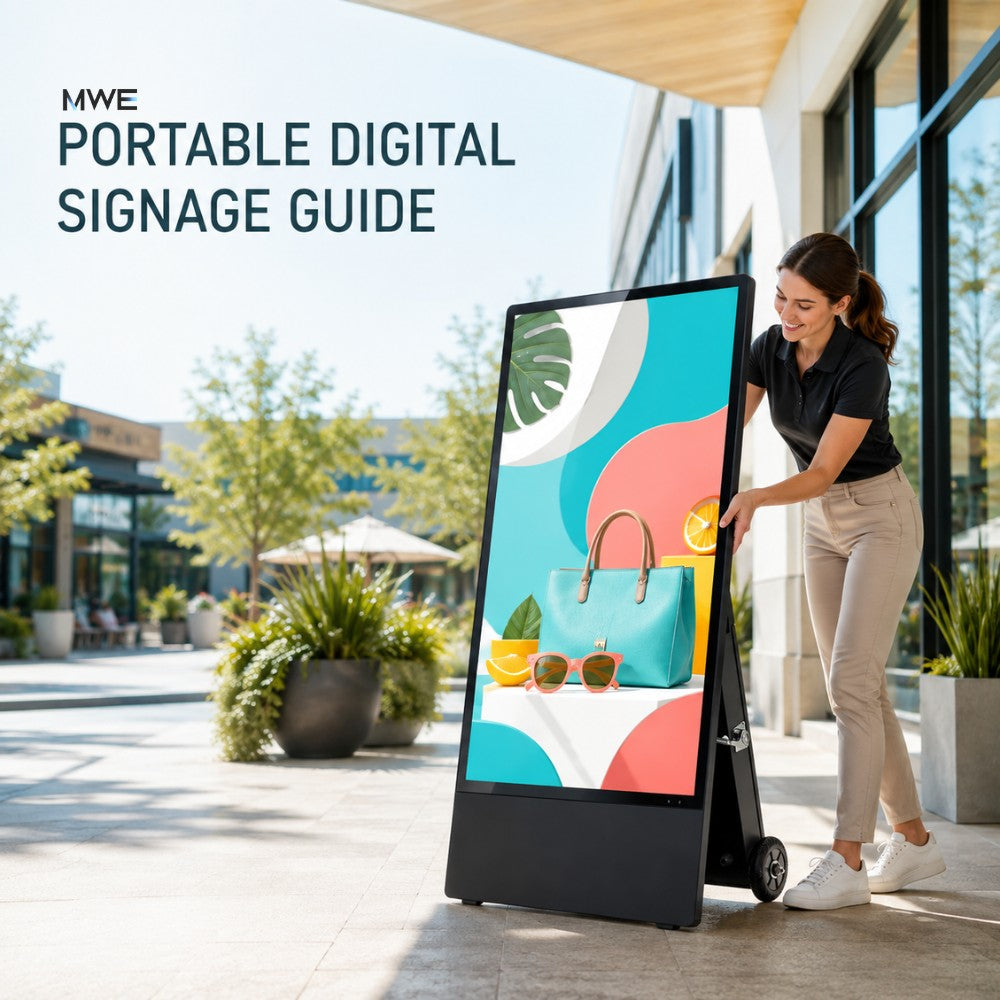
Portable digital signage is a commercial display designed to move between positions, rooms, venues, or temporary installations. It can show advertising, menus, schedules, product information, presentations, wayfinding, or interactive content without becoming part of a permanent wall installation.
There is no single portable format. Some screens roll across a smooth floor. Some fold for storage. Some travel in a flight case. Some run on a rechargeable battery. Others are portable only in the sense that a team can pack and redeploy them between events.
That distinction matters. A display may be easy to reposition inside a store but awkward to load into a van. Another may travel safely in a case but still need two people to lift. “Portable” should describe the complete workflow, not one feature in the product title.
Four ways a digital sign can be portable
| Type of mobility | What it solves | What to check |
|---|---|---|
| Rolling mobility | Moving a screen between nearby positions on one level. | Caster quality, locking brakes, floor transitions, base stability. |
| Foldable mobility | Reducing the storage footprint and making setup more repeatable. | Hinges, locks, cable protection, folded dimensions. |
| Battery mobility | Operating where a safe outlet or cable route is not available. | Real runtime, charge time, battery access, brightness settings. |
| Transport mobility | Protecting a display during delivery, events, rentals, and storage. | Flight-case size, packed weight, handles, wheels, loading route. |
A product can offer more than one type. A touchscreen kiosk may have silent wheels and a flight case. A semi-outdoor sign may combine wheels with a rechargeable battery. An LED poster can fold and travel in a protective case. The useful question is not “Is it portable?” It is “Portable for which part of the job?”
Start with the operating location
A polished indoor floor, an exhibition hall, a covered entrance, and an open sidewalk place very different demands on the same screen. Before comparing hardware, record where the display will stand during normal use.
- Indoor controlled space: stable temperature, predictable lighting, nearby power, and smooth floors.
- Indoor event space: repeated transport, short setup windows, temporary cables, and busy foot traffic.
- Covered or semi-outdoor space: stronger ambient light, changing temperature, dust, and possible wind-driven moisture.
- Fully exposed outdoor space: direct sun, rain, heat, cold, wind, drainage, security, and stricter electrical planning.
Do not upgrade an indoor display to outdoor use by adding a cover or placing it under a small awning. The enclosure, connectors, cooling, screen brightness, base, and power system must suit the real exposure.
Can portable digital signage be used outdoors?
Some portable digital signage can operate outdoors, but “outdoor” needs a careful definition. A screen used for a four-hour event under a canopy faces less exposure than a display left beside a storefront through daily sun and rain.
Check the complete product rating and operating guidance. An IP rating describes protection against solids and water under defined test conditions. It does not answer every site question. Wind stability, extreme temperature, direct-sun heat, drainage, cable connections, battery charging, vandal resistance, and long-term exposure still need attention.
The current MWE Portable Semi Outdoor LCD Screen is offered in 43- and 55-inch sizes. Its product specification lists 1,800-nit brightness, IP55 protection, Android operation, USB playback, split-screen content, and a rechargeable battery solution rated for more than 10 hours of operation. Those features make it suitable for many temporary, entrance, event, and semi-outdoor applications. The final placement should still follow the product manual and the conditions of the site.
One useful rule: weather resistance lowers risk; it does not remove the need for shelter, stable placement, protected power, and routine inspection.
Battery power or continuous power?
A battery removes the cable from the normal operating position. That can improve placement and reduce trip hazards, especially at pop-up events, store entrances, queues, or temporary promotions. It also creates a new operating routine.
Ask these questions before choosing a battery-supported display:
- How long will the screen run at the brightness setting actually required?
- How long does a full charge take?
- Can the battery charge inside the display, or must it be removed?
- Can the screen operate while charging?
- Who checks the battery before each shift or event?
- Where will charging happen safely after use?
Published runtime is a planning reference, not a guarantee for every day. Brightness, temperature, battery age, media playback, wireless connections, and system settings can change real operating time. If the display supports an important all-day message, leave a buffer rather than planning to use every stated minute.
A plug-in screen is often simpler for a permanent indoor position. It avoids charging routines and may support continuous daily operation more easily. The trade-off is the cable route. Keep power cables out of walking paths and follow venue and local electrical requirements.
Brightness should match the light, not the marketing label
Indoor digital signage often looks clear at moderate brightness because the light around it is controlled. Near windows, under exhibition lighting, or outside, the same screen can lose contrast.
Brightness is measured in nits. More nits can improve visibility in bright surroundings, but the number works together with reflection control, content contrast, viewing angle, and screen direction. A screen facing direct sun may still be difficult to read even when it is much brighter than an indoor model.
Test the intended position at the time of day when the sign will operate. Look for reflected windows, pale floors, glass doors, and direct sun. Use bold images and strong contrast. Small gray text is a poor choice for a bright entrance, no matter how good it looked on a laptop.
Wheels help, but the route decides whether movement is easy
Four wheels can make a display easy to reposition on a smooth showroom floor. They do not solve stairs, curbs, thick carpet, elevator thresholds, narrow doors, or vehicle loading.
Walk the route before ordering. Measure the display in its operating and packed positions. Check the narrowest doorway, the elevator opening, ramp slope, vehicle cargo area, and the place where the case will be stored. Also check the packed weight. A case with wheels may roll well and still require several people or lifting equipment at the loading point.
| Route check | Why it matters | Practical action |
|---|---|---|
| Door and elevator width | A packed case may be wider than the operating screen. | Measure the narrowest point and leave clearance for hands. |
| Floor surface | Small casters can catch on joints, mats, or outdoor paving. | Inspect transitions and use help on uneven surfaces. |
| Loading height | Rolling does not remove the need to lift at a vehicle. | Plan a ramp, liftgate, or enough trained people. |
| Final floor position | A base can narrow an aisle or create a collision point. | Lock the wheels and keep clear circulation around the sign. |
Choose touch only when visitors need to act
A touchscreen can turn portable digital signage into a product browser, check-in point, directory, survey station, or presentation tool. It also changes the placement. People need room to stand, reach, and read. The screen should remain stable when touched.
If the content only needs to play advertisements, menus, announcements, or a short video loop, non-touch signage is usually simpler. It reduces software work and avoids an interface that visitors never use.
The MWE Mobile Digital Signage Kiosk uses a 43-inch FHD capacitive touchscreen. It includes four silent wheels and a flight case, and supports screen mirroring, LEDArt app publishing, USB, HDMI, and Android operation. That combination fits presentations, exhibitions, product exploration, and temporary interactive stations. It remains an indoor solution unless the exact operating guidance states otherwise.
Content control must move with the screen
A mobile display may operate in places with strong Wi-Fi, weak Wi-Fi, or no usable network at all. Content planning should work in all three.
- USB playback: simple and dependable for prepared loops and local updates.
- HDMI: useful for live presentations, media players, and laptop input.
- Wi-Fi or Ethernet: useful for remote publishing, schedules, and frequent changes.
- Screen mirroring: practical for short presentations and collaborative sessions.
- CMS or app publishing: helpful when one team manages several displays or locations.
Always keep an offline version of the final content for an event. A local USB copy can save the day when venue Wi-Fi is crowded or account access fails. Test portrait orientation, resolution, sound, autoplay, and timed power settings before the display leaves the warehouse or office.
Portable LCD or portable LED?
LCD works well when viewers stand close, read fine text, use touch controls, or need familiar FHD and 4K content. It also offers a broad range of screen sizes at a relatively accessible cost.
Direct-view LED fits projects that value brightness, visual impact, modular width, and seamless splicing. Its pixel pitch and native resolution need more attention at close viewing distances.
The MWE 80-inch P1.86 Spliceable LED Digital Signage Display uses a foldable floor-standing structure and travels in a flight case. It supports Wi-Fi, USB, HDMI, publishing controls, and multi-screen splicing. It suits events and rentals where the image needs more visual weight than a standard indoor LCD kiosk.
For a deeper comparison, see the MWEdisplay LED Poster Display Guide.
How current MWEdisplay options fit different jobs
| Display | Mobility and operation | Best starting point |
|---|---|---|
|
MWE Portable Semi Outdoor LCD Screen 43 or 55 inches |
Rechargeable battery option, more than 10 hours listed runtime, 1,800 nits, IP55, USB playback, Android and split-screen support. | Store entrances, pop-ups, temporary promotions and suitable semi-outdoor locations. |
|
MWE Mobile Digital Signage Kiosk 43 inches |
FHD capacitive touchscreen, four silent wheels, flight case, screen mirroring, app publishing, USB and HDMI. | Indoor exhibitions, presentations, product browsing and interactive stations. |
|
MWE Portable Semi Indoor LCD Screen 32 inches |
Foldable structure with wheels, FHD IPS display, USB, HDMI, Wi-Fi, CMS updates and timed operation. | Restaurants, hotels, retail promotions and smaller temporary indoor setups. |
|
MWE P1.86 Spliceable LED Display 80 inches |
Foldable floor-standing LED structure, flight case, GOB surface, Wi-Fi, USB, HDMI and multi-screen splicing. | Events, rentals and larger visual presentations in indoor environments. |
|
MWE Floor Standing Digital Signage 32 to 65 inches |
Indoor plug-in design, touch and non-touch options, FHD or selected 4K sizes, USB, HDMI, Wi-Fi and network management. | A stable long-term indoor position where frequent transport is not required. |
The table is a starting point, not a substitute for checking the current product page and project conditions. Features, included accessories, and variants can change. Confirm the exact model before planning cases, batteries, content files, or installation.
Common portable digital signage use cases
Trade shows and exhibitions
Use the screen near the aisle for one clear message, or deeper in the booth for demonstrations. Check the packed dimensions, venue power rules, overnight storage, and setup crew before shipping.
Retail entrances and short promotions
A movable display can follow a campaign or seasonal traffic pattern. Brightness and obstruction matter near glass doors. Keep the base and any cable outside the main walking route.
Hotels and conference spaces
Portable signage can move from reception to a ballroom corridor as the event schedule changes. Timed content and remote publishing reduce the need to update each sign manually.
Restaurants and temporary menus
A screen can show menus, waiting information, or offers. Choose a position away from heat, grease, rain, and crowded door swings. Use large text that remains readable while people walk.
Pop-up and community events
Battery operation can make placement easier when power is limited. The team still needs a charging plan, safe overnight storage, and protection from weather changes.
Portable digital signage buying checklist
- Operating location: indoor, covered, semi-outdoor, or fully exposed outdoor.
- Moving pattern: within one room, between floors, or between venues.
- Route: doors, elevators, ramps, curbs, vehicle and storage space.
- Power: plug-in, battery, actual shift length, charge time and backup plan.
- Brightness: test the position during real operating hours.
- Weather protection: check the complete rating and operating limits.
- Interaction: choose touch only when the audience needs to take an action.
- Content: USB, HDMI, Wi-Fi, Ethernet, CMS, app or screen mirroring.
- Transport protection: confirm whether the flight case is included and how it is stored.
- Staffing: define who moves, sets up, charges, cleans and checks the display.
Final thought
The most portable display is not always the smallest one or the one with the most wheels. It is the display that fits the route, runs for the required time, remains visible in the real light, and can be managed by the people who use it.
Start with the workflow. Then choose the screen. That order prevents a mobile-looking product from becoming a stationary problem after delivery.
Planning a portable display project?
Share the operating location, viewing distance, daily runtime, moving route, content type, touch requirements, and expected weather exposure. Those details help MWEdisplay narrow the choice before you order.
Contact MWEdisplayFrequently asked questions
What is portable digital signage?
Portable digital signage is a commercial screen designed to move between positions or temporary installations. Depending on the model, portability can come from wheels, a foldable structure, a rechargeable battery, or a protective flight case.
Can portable digital signage be used outdoors?
Only when the complete display is designed and rated for the expected outdoor conditions. Check brightness, enclosure protection, temperature limits, base stability, connectors, power and the manufacturer’s operating guidance. A covered location still needs proper planning.
Does portable digital signage need a battery?
No. Many portable screens use standard AC power and move on wheels or in a flight case. A battery is useful when a safe outlet or cable route is unavailable, but it adds charging, runtime and maintenance considerations.
How bright should portable digital signage be?
The required brightness depends on ambient light, reflections, screen direction and viewing distance. Standard indoor environments need less brightness than window-facing or semi-outdoor positions. Test the exact placement during normal operating hours whenever possible.
Are wheels enough to make a digital sign portable?
Wheels help on smooth floors, but true portability also depends on packed size, weight, doors, elevators, curbs, vehicle loading, storage and the number of people needed to handle the display safely.
Is LCD or LED better for portable digital signage?
LCD is often better for fine text, close viewing and touch interaction. Direct-view LED is useful for larger visual impact, higher brightness and multi-screen splicing. The right choice depends on content, viewing distance, environment and budget.
How can content be updated on a portable display?
Common options include USB playback, HDMI input, Wi-Fi, Ethernet, mobile apps, screen mirroring and cloud content management. Keep an offline backup for events or locations with unreliable internet access.


Laisser un commentaire
Ce site est protégé par hCaptcha, et la Politique de confidentialité et les Conditions de service de hCaptcha s’appliquent.