
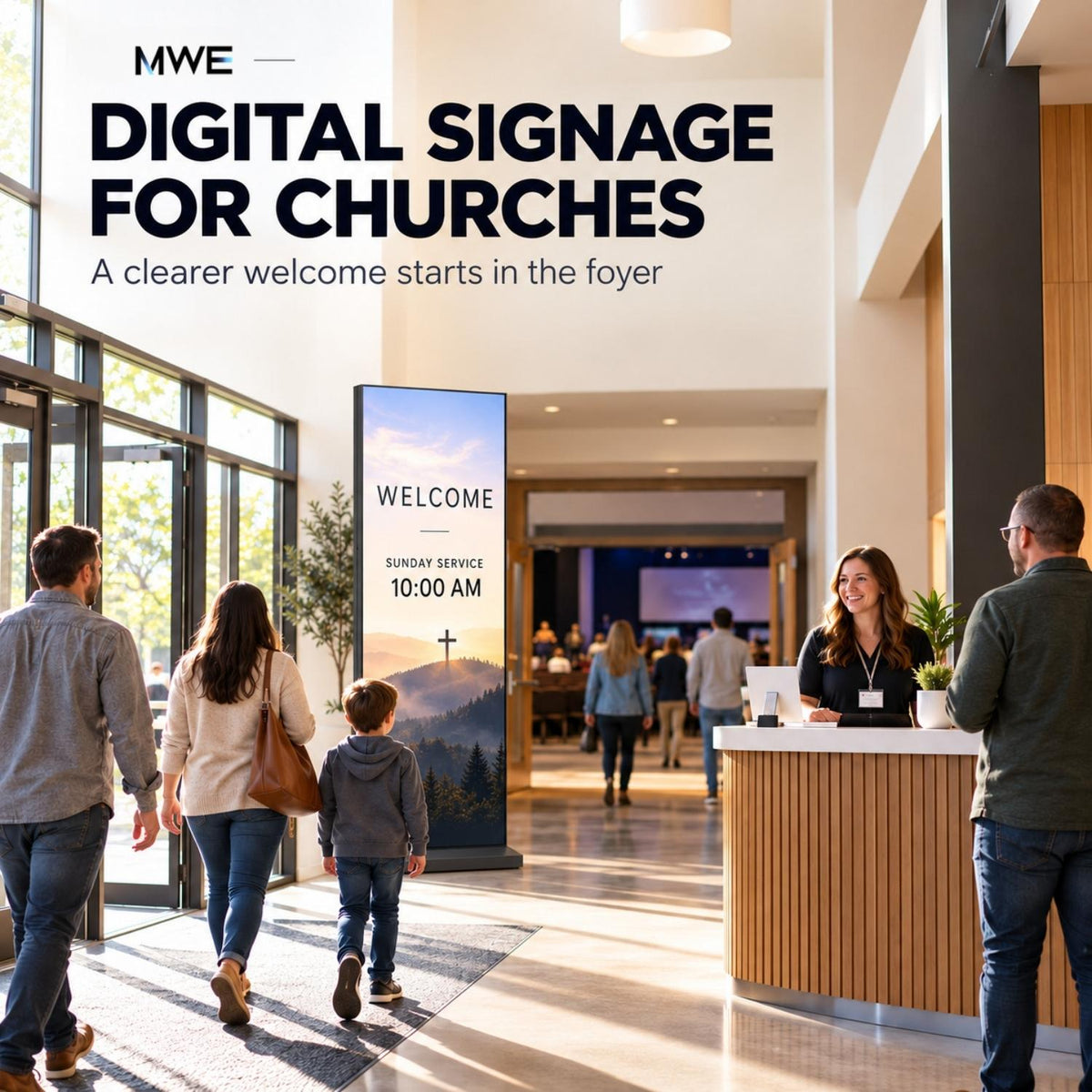
Someone visiting a church for the first time may have only a few seconds to work out where the service begins, where to take a child, and whom to ask for help. A screen near the entrance can answer those questions if the message is clear and current.
This guide focuses on indoor digital signage for churches: welcome and information screens in foyers, corridors, and shared rooms. It explains what to show, where to place a first screen, how volunteers can keep it accurate, and when a floor-standing display makes sense. A screen works best alongside a human welcome team and other ways to share important information.
What is digital signage for churches?
Church digital signage uses screens to show information that changes: service times, welcome messages, room assignments, events, and directions. The display is only one part of the setup. Content must come from local media, an external player, compatible software, or a managed publishing system; someone still needs to confirm the information.
An indoor welcome screen differs from a roadside church sign. The first serves people already in the building. This article plans for the indoor use case and the shorter viewing distances that come with it.
Start with the visitor journey, then choose a screen
Walk the route of a guest arriving for a normal service. Where do they first stop? What do they need to decide before they can move on? Place a message at that decision point.
| Location | Visitor's question | Useful content | Format to test |
|---|---|---|---|
| Foyer or welcome desk | Where does today's service begin? | Welcome, service time, main room, and where to find a person. | Portrait floor-standing or wall display seen while entering. |
| Corridor junction | Which way is my room? | A large directional cue and current room assignment. | A screen only if the route changes often; a permanent sign may be clearer for fixed directions. |
| Children's area | Where is check-in? | Check-in location, age-group directions, and who to ask. | A simple notice near staffed check-in, with no private child information. |
| Fellowship room | What happens after the service? | Next gathering, volunteer opportunity, or community event. | Information screen suited to a slower viewing pace. |
| Worship space | What should I follow during the service? | Presentation content managed by the worship team. | Existing projection or a system designed for the room's sightlines and live operation. |
Use the foyer as a likely pilot, not an automatic rule. If everyone enters through a side door or goes straight to a staffed desk, observe that pattern and place the first screen accordingly. Our digital signage installation guide covers power, safe placement, and handover in more detail.
What should a church welcome screen say?
A useful first screen does not need to carry the entire weekly bulletin. It should make arrival easier. Prioritize:
- Welcome: a short greeting in words a first-time visitor understands.
- Today: the service time and the name or location of the worship space.
- Find help: a visible welcome desk, volunteer, or information point.
- Next: one relevant event or a short invitation to learn more.
For example, an illustrative foyer screen could read:
Sunday service • 10:00 AM
Worship hall • through the doors ahead
New here? Our welcome team is at the desk.
Use your actual room names and service times. If the screen is visible from a distance, the direction matters more than a decorative headline. Test whether a visitor can read it while walking the real route.
The Church of England's noticeboard guidance highlights clear, concise, legible information and regular service times. Those principles also help with a foyer screen, even though your church's layout and audience will determine the final content.
For a school, community meal, or weekend event sharing the building, change the message for that gathering instead of leaving Sunday's service information on display all week.
Paper bulletin vs. foyer screen vs. worship projection
These three formats work at different moments. A fair comparison begins with what people need to do with the information.
| Format | Works well for | Main limitation |
|---|---|---|
| Printed bulletin or handout | Details people may take home, refer to later, or read at their own pace. | Corrections require reprinting or a separate announcement. |
| Indoor foyer display | Time-sensitive welcome information, wayfinding, and the next activity. | People may see it briefly; long paragraphs and fast slide loops are hard to use. |
| Worship projector or presentation system | Live content watched together across the room, operated with the service. | It may need an operator and a setup matched to the room's sightlines and audio/video sources. |
A foyer display does not replace the service presentation workflow. If the church already projects songs, readings, or sermon material, evaluate that system separately. Copyright or other permission requirements for protected content should also be checked for the way it will be used; CCLI is one resource churches use when considering song permissions. A display purchase does not grant rights to content.
Likewise, a QR code on a screen can point to a digital bulletin or registration form, but it should not be the only route to essential information. Label the code, test its size on the installed screen, and offer a short URL or a welcome-team alternative.
Plan content for the whole week
Church screens often serve more than one gathering. A foyer screen that is helpful on Sunday can become misleading on Tuesday if nobody changes it. Build a small schedule around actual building use.
| When | Main message | Check before showing |
|---|---|---|
| Before a service | Welcome, start time, worship space, children's check-in direction. | Confirm the service is happening and the rooms are correct. |
| After a service | Where to meet someone, today's next gathering, one upcoming event. | Remove directions that are no longer useful. |
| Weekdays | The activity actually using the building that day, or a neutral welcome. | Do not leave an old countdown or expired registration link. |
| Unexpected change | One clear correction, with a person or desk available to help. | Confirm the message reached the correct screen; use another channel if the screen cannot be updated. |
These are planning examples, not a prescribed schedule for every congregation. The point is to decide what should appear when the service team, office staff, and volunteers are not all in the same place.
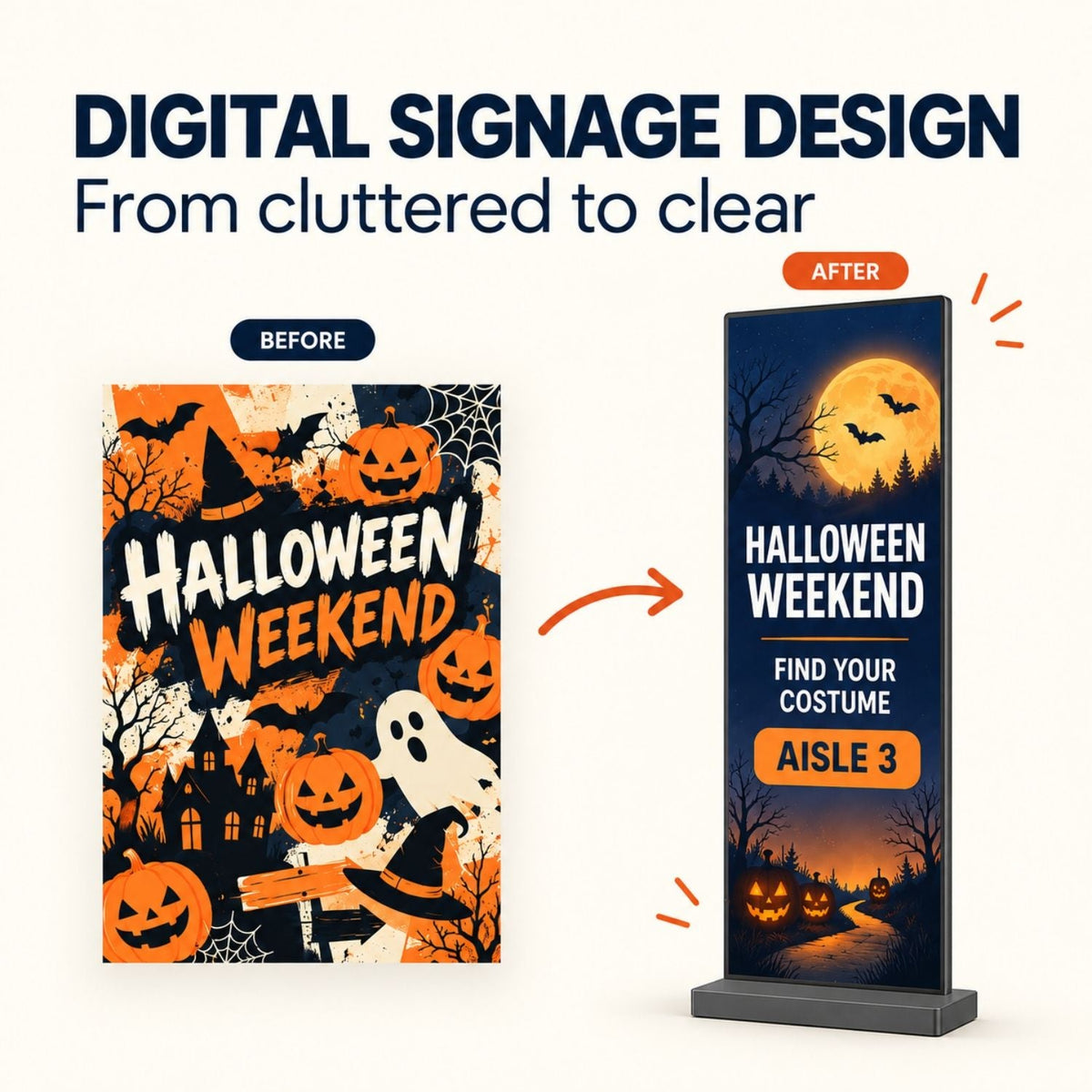
Keep each slide focused on one action. If a first-time visitor needs to search through a crowded calendar to find the service time, the screen is carrying too much. For more content patterns, see our digital signage examples.
A volunteer-friendly publishing routine
A church may have an administrator preparing announcements, a ministry leader submitting a room change, and a volunteer turning on the display. Give those people a clear handoff instead of assuming that the person who designed the slide knows every change.
- Collect: ask each ministry to submit the event name, date, time, location, audience, and a contact person.
- Confirm: one editor checks the details against the church's current schedule and decides which notices belong on the screen.
- Publish: use one approved template, one current playlist, and a clear file name or scheduled slot.
- Walk the route: a volunteer checks the installed screen from the normal approach before doors open.
- Close out: remove a notice when it expires; keep a backup owner for weeks when the usual editor is away.
Give the volunteer a short checklist: Is the screen on? Is today's service correct? Are room names correct? Is the first slide readable? Did last week's event disappear? A single answerable checklist is easier to maintain than a long design manual.
If an activity is cancelled, change the screen and the other communication channels your church uses. The digital sign is one touchpoint, and it should not become the sole source for urgent instructions.
Local playback or cloud management?
For a single screen that changes a few times per week, local playback can be a reasonable pilot. Put approved image or video files in a compatible format, confirm the playlist or loop behavior, and test what happens after the power returns. Someone on site remains responsible for updates.
Remote software becomes more useful when several screens need different messages or when volunteers cannot reach each display. A content management system may provide scheduling, shared templates, access permissions, and screen monitoring. Those features depend on the chosen provider, plan, and device. Confirm compatibility on the exact hardware before planning a rollout.
Whether content is local or managed remotely, test the same four events: a corrected service time, a notice that should expire, a network outage if the system uses the network, and a restart. If the display retains an obsolete slide after a failure, make sure a person has a defined way to correct it.
To compare the full expense of each approach, use our digital signage cost guide. Include hardware, any external player, software, electricity, installation, and volunteer or staff time. An inexpensive screen with a difficult update routine can still be costly to operate.
Which MWE display fits a church foyer?
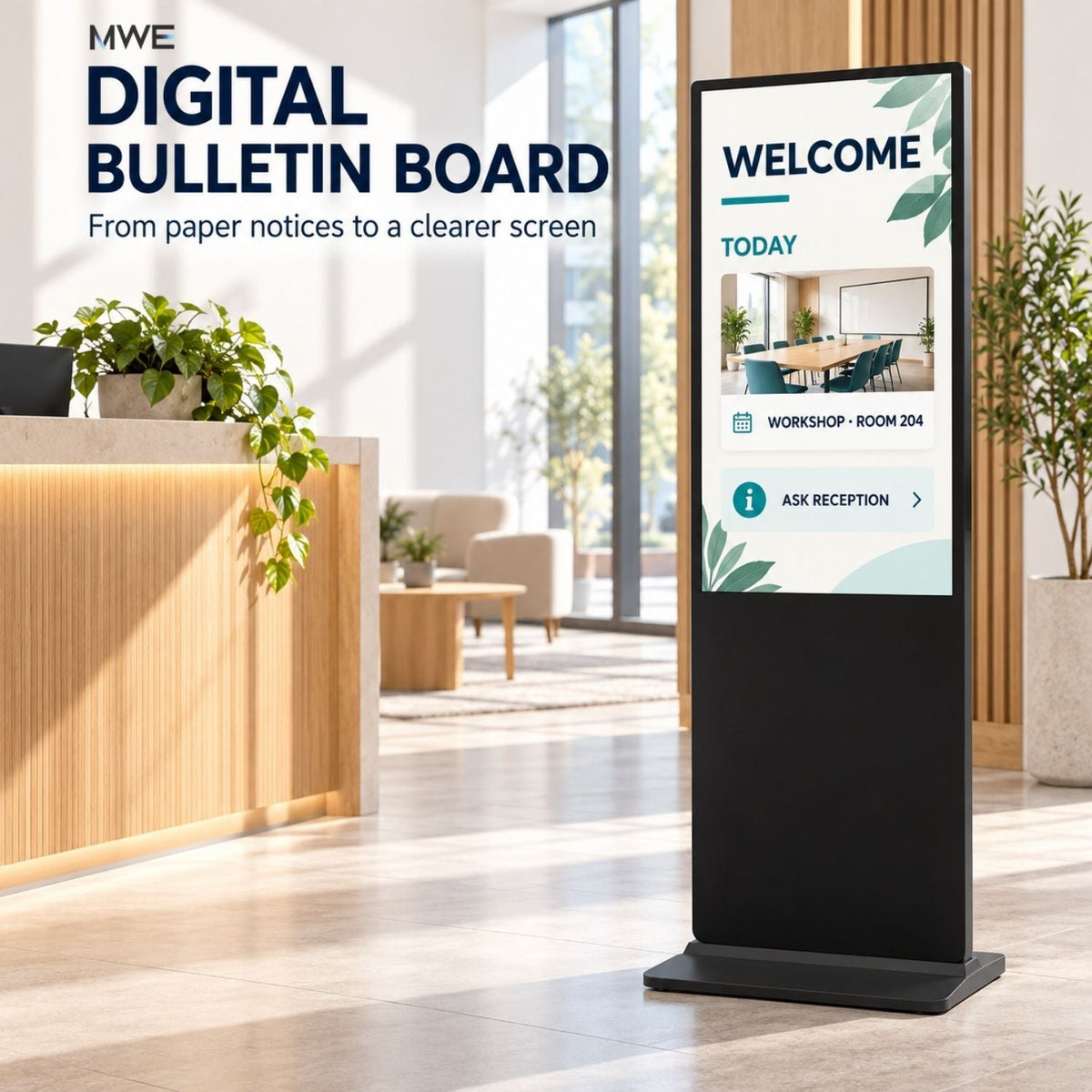
Floor-standing LCD for close-range information
The MWE Floor Standing Digital Signage 32″–65″ range offers size, color, and touch or non-touch choices. For a passive welcome display, the non-touch option is a useful starting point. The product page describes USB media playback and HDMI input, which are practical ways to test a simple screen workflow.
The 43-inch black unit is one variant within that range. Its listed overall dimensions are approximately 24.04 inches wide, 17.72 inches deep, and 71.27 inches high. Mark out the actual footprint, power point, and walking route. Choose the screen size by the content's readability at the intended distance; do not assume a bigger screen can rescue a crowded slide.
If visitors need to browse a directory or complete a check-in task, first define the required application and verify its compatibility with the selected touch model. Touch hardware alone does not provide the workflow.
80″ P1.86 LED for a different message
The MWE 80″ P1.86 Spliceable LED Digital Signage Display is a tall indoor LED format. Its listed single-unit resolution is 344 × 1032 pixels. It may suit short, high-impact welcome visuals or event graphics in a larger gathering area. Test actual text and imagery from the planned distance before considering it for detailed directions or live worship content.
A larger diagonal does not mean every small line will become readable. Our LED pixel pitch guide explains how pitch, resolution, content, and viewing distance interact.
Neither product includes a church management platform, visitor check-in process, worship lyric rights, or livestream production workflow by virtue of being a display. Confirm any software, signal routing, and content rights separately.
A low-complexity first-screen trial
A first church screen should prove that the message helps the people who see it. Begin with a location that has a real information problem and a volunteer who can maintain it.
- Photograph the entrance from the visitor's eye level. Note the nearest power source and where people naturally pause.
- Draft one welcome slide and one change-of-room slide. Test them on a candidate screen at the expected viewing distance.
- Run a full arrival and departure cycle, including setup before a gathering and removal of old information afterward.
- Ask first-time visitors and welcome-team members whether the screen answered their questions. Record which questions remain.
- Only then decide whether to improve the template, change placement, or add another screen.
If the building already has a suitable TV, it may work for an initial test. Check the operating conditions and playback behavior. If the church needs a dedicated floor-standing display in a foyer, compare the MWE variants against the measured space and the actual content. A display can be valuable without replacing printed handouts or a volunteer's welcome.
Make the next visit easier
Useful church digital signage answers a small number of immediate questions, appears where those questions arise, and changes when the schedule changes. Start with the visitor route, write concise messages, and give someone clear responsibility for each update. The hardware decision is easier once the job of the screen is specific.
For an indoor church display plan, contact MWEdisplay with a photo of the space, the expected viewing distance, a sample welcome slide, and the number of screens you intend to manage.
Frequently asked questions
What is digital signage for churches?
Digital signage for churches uses indoor screens to show timely information such as welcome messages, service times, room directions, and upcoming activities. A display, a playback method, and an update routine are all needed.
Where should a church put its first digital signage screen?
A foyer or entrance area is a practical first location if visitors pause there and need help finding the service, children's check-in, or an information desk. Walk the route and test readability before choosing a permanent position.
Can a church use an existing TV for a first screen?
Yes, if the TV's operating conditions, input connections, and playback behavior suit the proposed use. Test a complete service-day playlist, restart, and any network loss. Check the manufacturer's use and warranty terms.
Do church digital signs need an internet connection or subscription?
Basic compatible local playback may work without continuous internet or a monthly software plan. Remote publishing, live calendars, monitoring, and scheduling depend on the chosen software and its terms. Confirm what is included with the exact setup.
Is a floor-standing screen or projector better for a church?
Use a floor-standing portrait display for close-range foyer information. Use an existing projector or an appropriately designed large-format presentation system when content must be visible across the worship space. Test the real viewing distance and content; neither format is universally better.
Can MWE displays show worship lyrics or livestreams?
A screen can show content from a compatible source, but worship presentation, livestream production, and content rights are separate matters. Confirm the video signal, orientation, audio needs, software compatibility, and permissions for the intended material.
Does a church welcome screen need touch?
Usually not. Passive welcome and direction screens are easier for visitors to read in passing. Choose touch only if visitors need to browse information or complete a defined task, and confirm that the application supports it.
How often should church signage be updated?
Set an owner and backup to check the screen before each gathering, change details when schedules change, and remove expired notices after an event. A weekly review helps, but urgent corrections should not wait for the next scheduled review.
Product details checked October 20, 2026. Confirm specifications and included software for the selected variant before ordering. The sample messages and operating routine above are planning examples, not measured customer results.

Commenta
Questo sito è protetto da hCaptcha e applica le Norme sulla privacy e i Termini di servizio di hCaptcha.